Payroll with controls. Expenses with rules.
You sign off payroll you did not prepare, chase receipts for claims already paid, and reconstruct an advance from memory. ZekoHR gives finance a run to review, rules that route, and registers that export, free for a year.
Up to 50 employees free for 12 months. No card, no sales call.
What you sign without seeing
Payroll arrives as a total
A number to approve and a bank file to upload. Draft runs show every payslip with LOP proration, per-line overrides and one-off lines; pre-flight checks flag what is missing; the register exports to CSV before you finalise.
Claims paid before rules
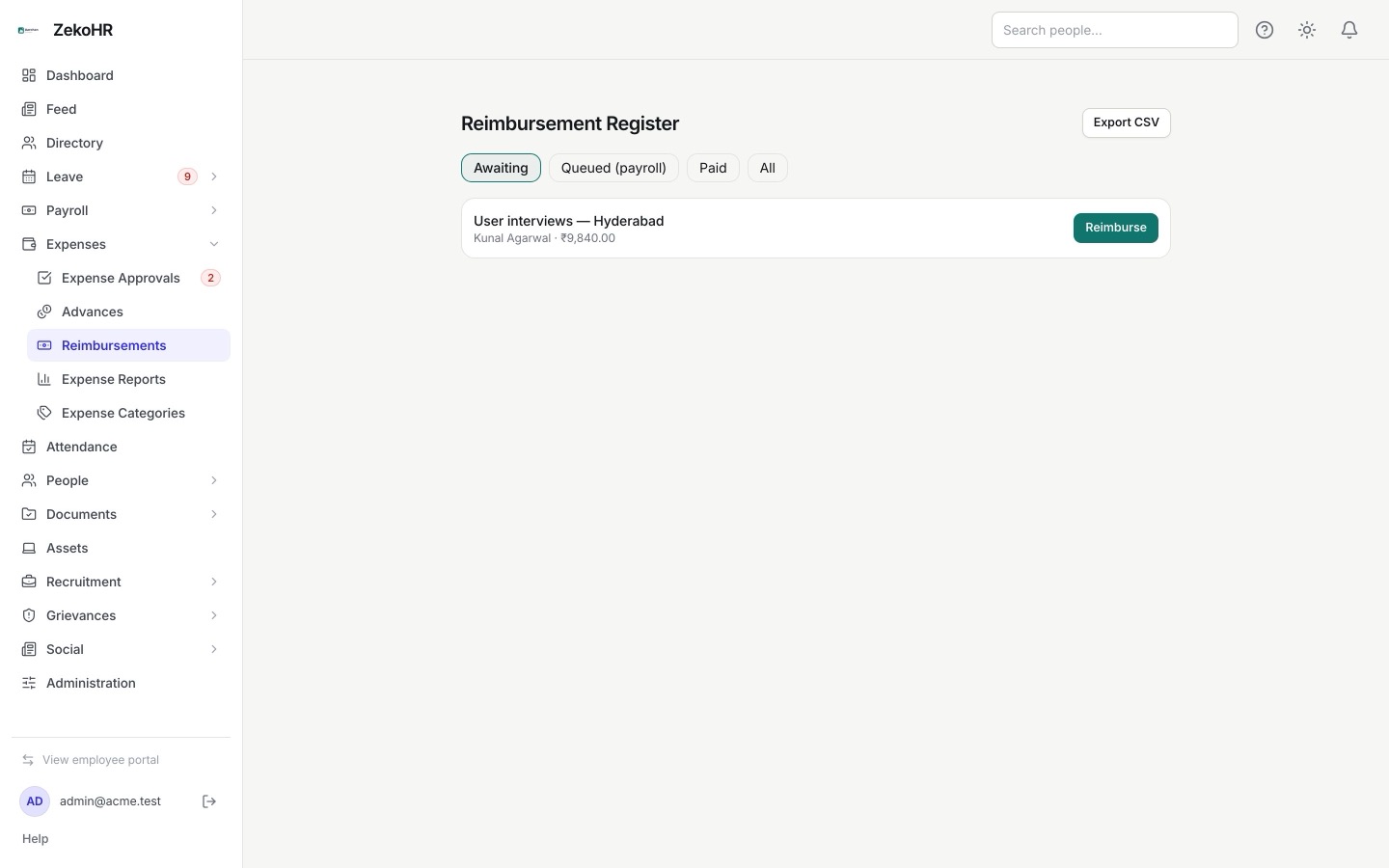
Reimbursements go out on a manager's say-so. Approval rules route by amount, category and department through multi-step chains; HR override is audited; the reimbursement register shows what is due and what was paid.
GST credit left on the table
Receipts with a GSTIN are reimbursed and forgotten. The GST input-credit register lists claims with tax captured, by month, exportable for the return.

Review, not reconstruct
Finalise locks the run and generates payslips; rollback is audited. Advances are disbursed and auto-reconciled against approved claims. Reimbursements push into the next payroll as an earning line or are marked paid out of band. Reports split spend by category, department, employee and month with a billable flag.
- Payroll draft, pre-flight checks, finalise, publish, audited rollback
- Register CSV per run for the accountant and the filings
- Expense approval rules, advances reconciled, reimbursement register
- GST input-credit register and spend reports with CSV export
Illustration of a payroll run review and the reimbursement register.
How finance teams adopt it
Structures and components
Define pay components (earning or deduction, basic flag, LOP proration) and salary structures (flat, percent of basic or gross, balance line). Statutory amounts are components you set.
Rules and limits
Configure expense categories with limits, an approval chain by amount, and who may override. Switch on advances and decide whether reimbursements go through payroll.
A parallel month
Run a draft beside your current process, compare the register, then finalise. From the second month, you review warnings instead of rebuilding the sheet.
When ZekoHR is not the right choice
You want PF, ESI, PT and TDS computed and filed
Statutory amounts are manual pay components by design. ZekoHR produces the payslip and the register; your accountant prepares the ECR, returns and challans from it.
You need a bank payment file
The register exports to CSV; a bank-specific upload file is not generated. Build it from the CSV or through your bank portal.
You need accounting integration
There is no ledger posting to Tally, Zoho Books or an ERP, and no self-serve API yet. Exports are the bridge today.
Common questions
Can I review every payslip before the run is final?
Yes. The review grid shows each payslip with LOP days, per-line overrides and one-off lines. Recalculate preserves edits; finalise locks the run and generates PDFs; rollback is available and audited.
How do reimbursements reach payroll?
Approved claims can be marked paid out of band or pushed into the next payroll run, where they appear as an earning line on the payslip. The reimbursement register tracks both with CSV export.
Does it compute TDS?
It collects employee tax declarations with proof uploads in a window you control and surfaces them at pre-flight. The TDS amount itself is a component your payroll team sets from the projection.
What does the auditor get?
Payroll register CSVs per run, expense and GST registers, the reimbursement register, and the audit log with before-and-after values, all exportable.