Comp-off
Compensatory off (comp-off) is leave you earn by working on a weekend or holiday. In ZekoHR a comp-off leave type has no annual allocation. Its balance is simply the credits HR has granted you that are still available. You spend them by applying for leave on the comp-off type the same way as any other leave.
Who can do this: employees apply with `leave_requests.apply.self`. Only HR Managers and Admins with `leave_allocations.adjust.any` or `leave_allocations.adjust.assigned_companies` can grant credits.
Where to find it
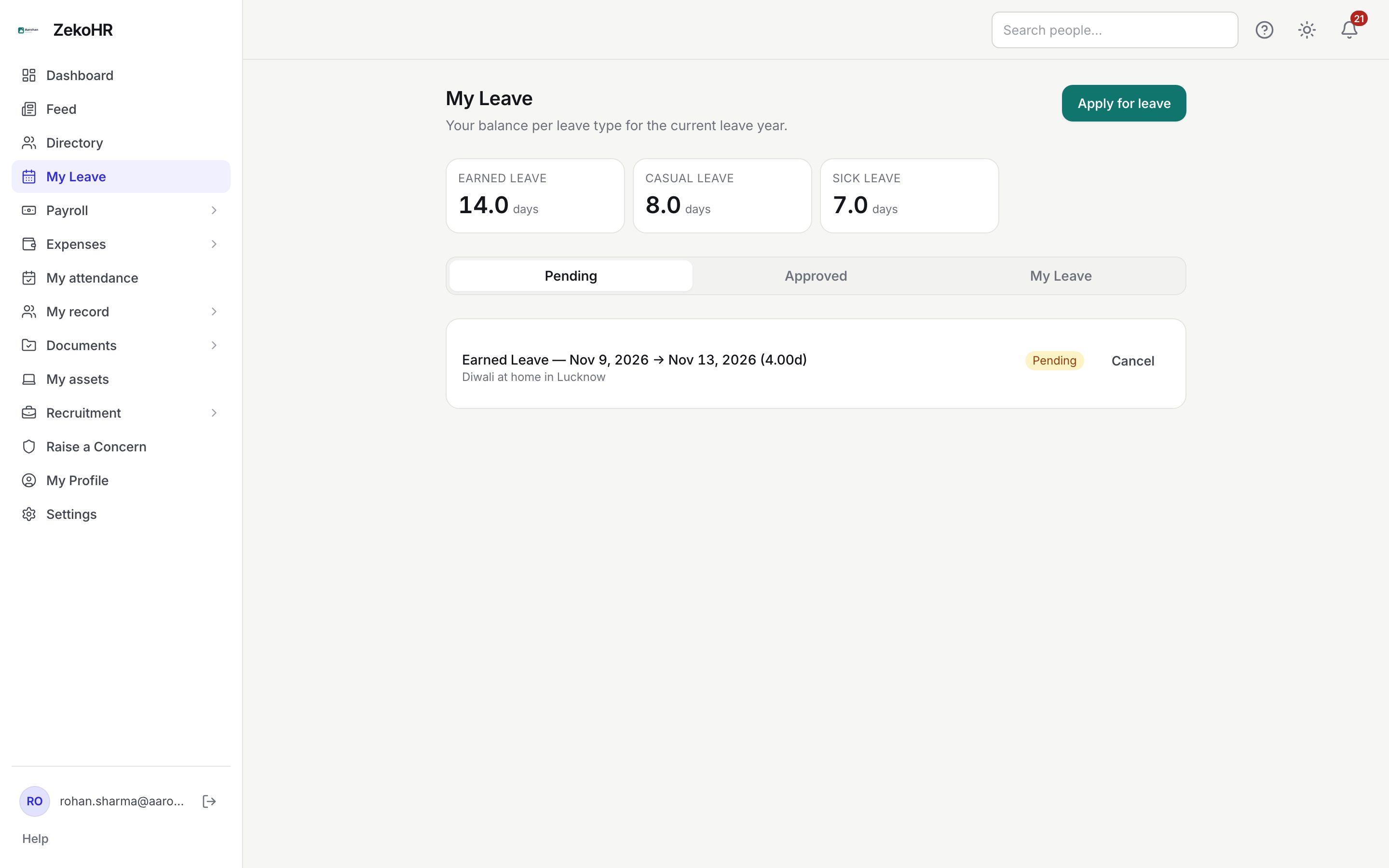
Leave → My Leave: the comp-off tile in the balance strip and its card on the My Leave tab. URL: `/my-leave?tab=balance`. HR grants credits from People → Employees → (employee) → Leave Allocation → Grant comp-off.
Earning a credit
- Work the extra day and tell HR (or your manager, who asks HR). ZekoHR does not detect off-day work from attendance automatically.
- HR opens your record and uses Grant comp-off, entering the comp-off Leave type, the Amount (minimum 0.25, in steps of 0.25), the Source date (day worked) and a Reason.
- The credit appears on your comp-off tile immediately. Its card reads "Comp-off credits are granted by HR for working on off-days." instead of the usual Credited / Used breakdown.
Spending credits
- Click Apply for leave and choose the comp-off type. The Available hint shows the sum of your available credits.
- Pick the mode and dates as for any leave. Half-day and hourly must be enabled on the comp-off type by HR.
- Submit. Your manager approves or rejects as usual.
Statuses of a credit
| Status | Meaning | What happens next |
|---|---|---|
| available | Granted and still unused. Counts in your tile. | Consumed on approval of a comp-off request. |
| consumed | Used by an approved request. | Returned to available if that request is cancelled or override-rejected. |
What happens next
- Applying checks that your available credits cover the request: "Insufficient comp-off credits." otherwise. Nothing is consumed until approval.
- On approval, credits are consumed oldest source date first until the request is covered. A credit is marked consumed as a whole: a 1.0-day credit used for a half-day request is fully consumed, the remaining half is not split off.
- On cancellation of approved comp-off leave, the most recently consumed credits are returned to available, one credit per whole day of the request (rounded up).
- Credits do not go through the leave ledger, so they never appear in Credited this year, never accrue, and are untouched by year-end rollover.
- You get the normal leave approved, rejected or cancelled notifications.
Rules and limits
- HR cannot "adjust" a comp-off balance. The adjustment dialog refuses comp-off types with the message that the balance comes only from comp-off credits.
- Bulk and per-employee allocation skip comp-off types; automatic accrual also skips them.
- Credits do not expire on their own. If your company limits how long a comp-off can be kept, HR applies that rule by hand.
- Comp-off requests obey the same application window, overlap and attachment rules as other types.
- A leave type is comp-off only if HR ticked Comp-off type on it. If a regular leave such as Earned Leave is accidentally flagged, allocations to it will not show; HR should untick the flag.
- This module must be enabled on your plan; Admins can check Settings → Billing.
Troubleshooting
I do not see a comp-off type on My Leave. Either your company has not created one, or you have no credits yet. The tile appears once at least one credit exists.
"Insufficient comp-off credits." The request is larger than your available credits, including requests already pending. Reduce the days or ask HR for the missing credit.
I took half a day but a full credit disappeared. Credits are consumed whole. Ask HR to grant a 0.5 credit if your company allows partial comp-off.
My cancelled comp-off leave did not restore the credit. Only approved requests consume credits; a pending request that is cancelled had nothing to restore. If it was approved, refresh and check the tile.