Employee timeline
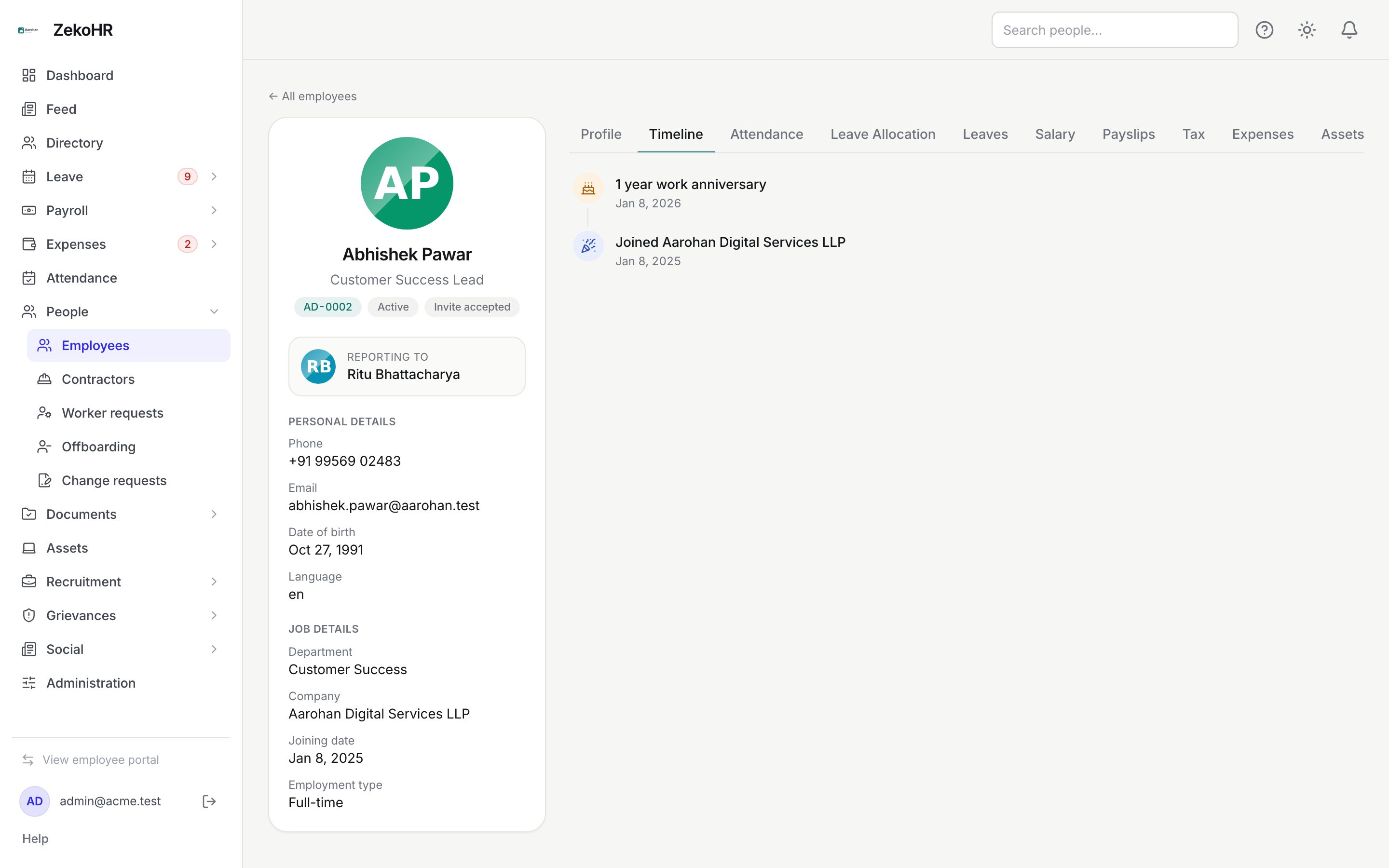
The Timeline tab tells the story of one person's employment in date order: when they joined, each designation or department change, who they started reporting to, status changes, onboarding completion, and offboarding start and end. Work anniversaries are added automatically. Employees see the same timeline on their own profile; HR sees it on the record, next to the Activity tab that lists raw audit entries.
Who can do this: HR Managers and Admins with `employees.view.any`, `employees.view.assigned_companies` for that company, or Managers with `employees.view.own_company` for people in their company. Everyone sees their own timeline. The Activity tab additionally needs `audit.view`.
Where to find it
People → Employees, open the record, Timeline tab. URL path: `/employees/{id}?tab=timeline`. The employee's own copy is My Profile → Timeline (`/profile`).
Reading the timeline
Events are shown newest first, each with a coloured icon, a title, an optional description and the date it happened.
| Event | When it is written | Title example |
|---|---|---|
| Joined | Employee created (Add employee, bulk import, recruitment join) | "Joined Aarohan Technologies Pvt Ltd", dated the joining date, or today when none |
| Designation changed | Edit on the Profile tab changes the designation | "Designation changed to Team Lead" or "Designation removed" |
| Department changed | Edit changes the department | "Moved to Sales department" |
| Manager changed | Set manager / Change manager | "Started reporting to Karthik Iyer" or "Reporting manager removed" |
| Status changed | Edit changes status, direct offboard, or the nightly lock-out | "Status changed to on leave" |
| Onboarding completed | Every mandatory checklist item done and verified | "Onboarding completed" |
| Offboarding started | Initiate offboarding | "Offboarding started", description "Last working day 2026-11-30" |
| Offboarding completed | Checklist finished, or closed by the nightly process | "Offboarding completed" |
| Work anniversary | Computed, never stored: one row per full year since the joining date | "1 year work anniversary", "3 years work anniversary" |
Names in change events are captured at the time of the event, so a department renamed or deleted later still reads correctly in history.
The Activity tab
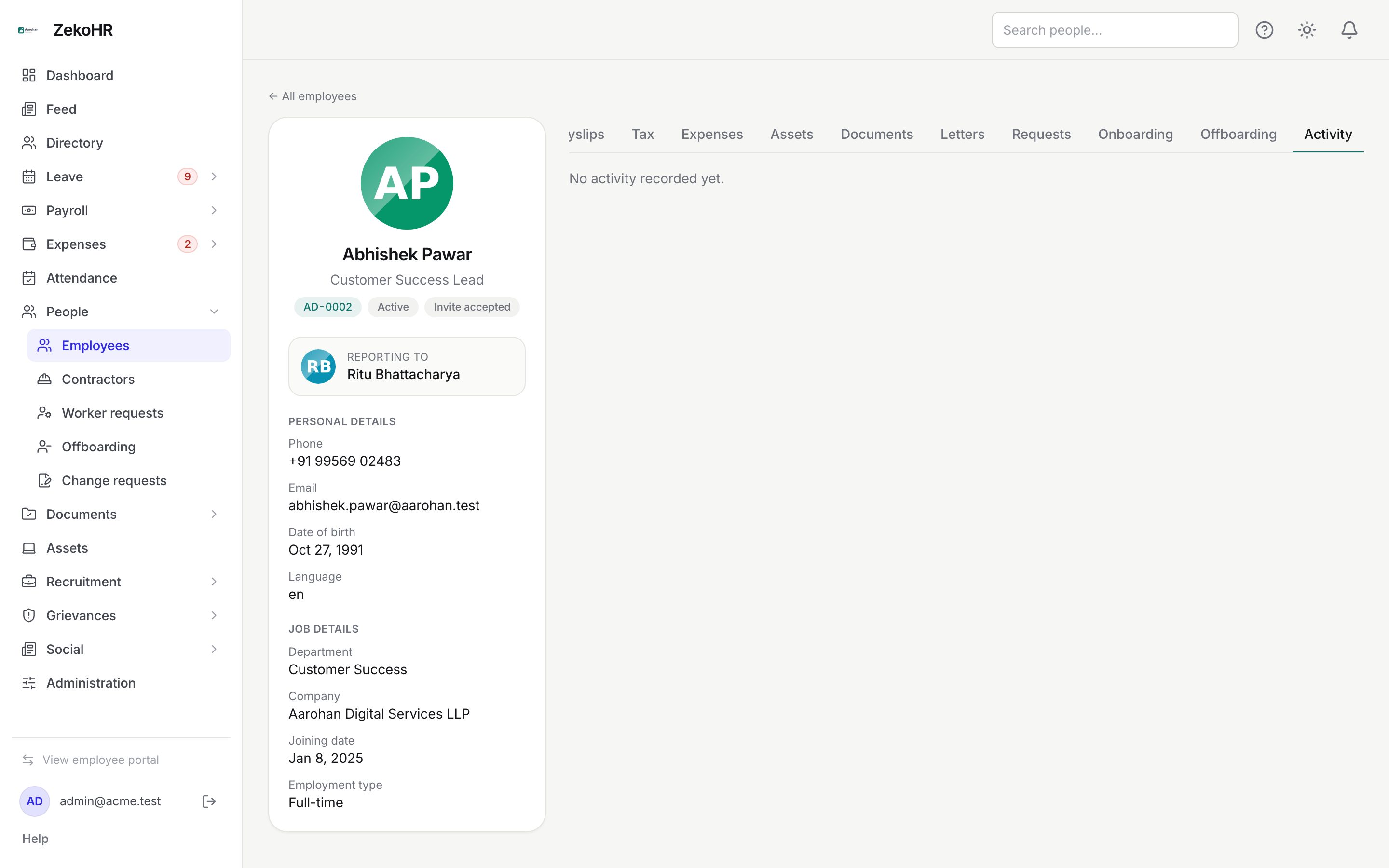
Activity lists audit log entries that mention this person, up to 100, newest first: the action (for example `employee.updated`, `employee.role_changed`, `change_request.approved`, `onboarding.item.verified`), the entity, the time and the actor's name and email. It is the place to answer "who changed this and when". For the full searchable log with before and after values, use Administration → Settings → Audit log.
What happens next
The timeline is read only. Events are written by the actions above and cannot be edited or deleted from the UI. There are no notifications tied to the timeline itself; the anniversary rows also feed the social feed's celebrations when that module is on.
Rules and limits
- A change event is only written when the value actually changes; saving the same designation again writes nothing.
- Anniversary rows exist only when a joining date is set, and only for years already completed as of today.
- Organisations that existed before the timeline was introduced had their history rebuilt from the employee record, manager history, checklists and offboardings; anyone who already had a "Joined" row was skipped.
- HR Managers can open timelines only for companies in their HR scope. Managers can read timelines of people in their own company.
- The Activity tab shows entries where the person is the subject; actions they performed on others appear under those records.
Troubleshooting
The timeline is empty. The person was created before the timeline was introduced and had no history to rebuild, or the record genuinely has no events yet. Editing their designation or department starts the history.
"Joined" is dated today, not their real start date. They were created without a joining date. Set Joining date on the Profile tab; the existing event keeps its date, but anniversaries will use the new one.
Activity says it requires the audit permission. Ask an Admin to grant it, or use the Timeline tab.
A promotion is missing. The value did not actually change when it was saved, or it was changed before the timeline was introduced.