Documents Center
The Documents Center is where HR reviews what employees upload. It has six tabs: Pending verification, Verified, Expiring, Requests, Org documents and Settings. This article covers the three review tabs and the verification decisions; requests, organization documents and settings each have their own article.
Who can do this: Admins with documents_center.manage.any (every company) and HR Managers with documents_center.manage.assigned_companies (only employees of companies assigned to them under HR scope). Managers cannot verify documents, even for their own reports.
Where to find it
Documents → Documents (`/documents`). The tab is kept in the URL, for example `/documents?tab=verified`. You can also verify a single employee's documents from People → Employees, open the employee, Documents tab.
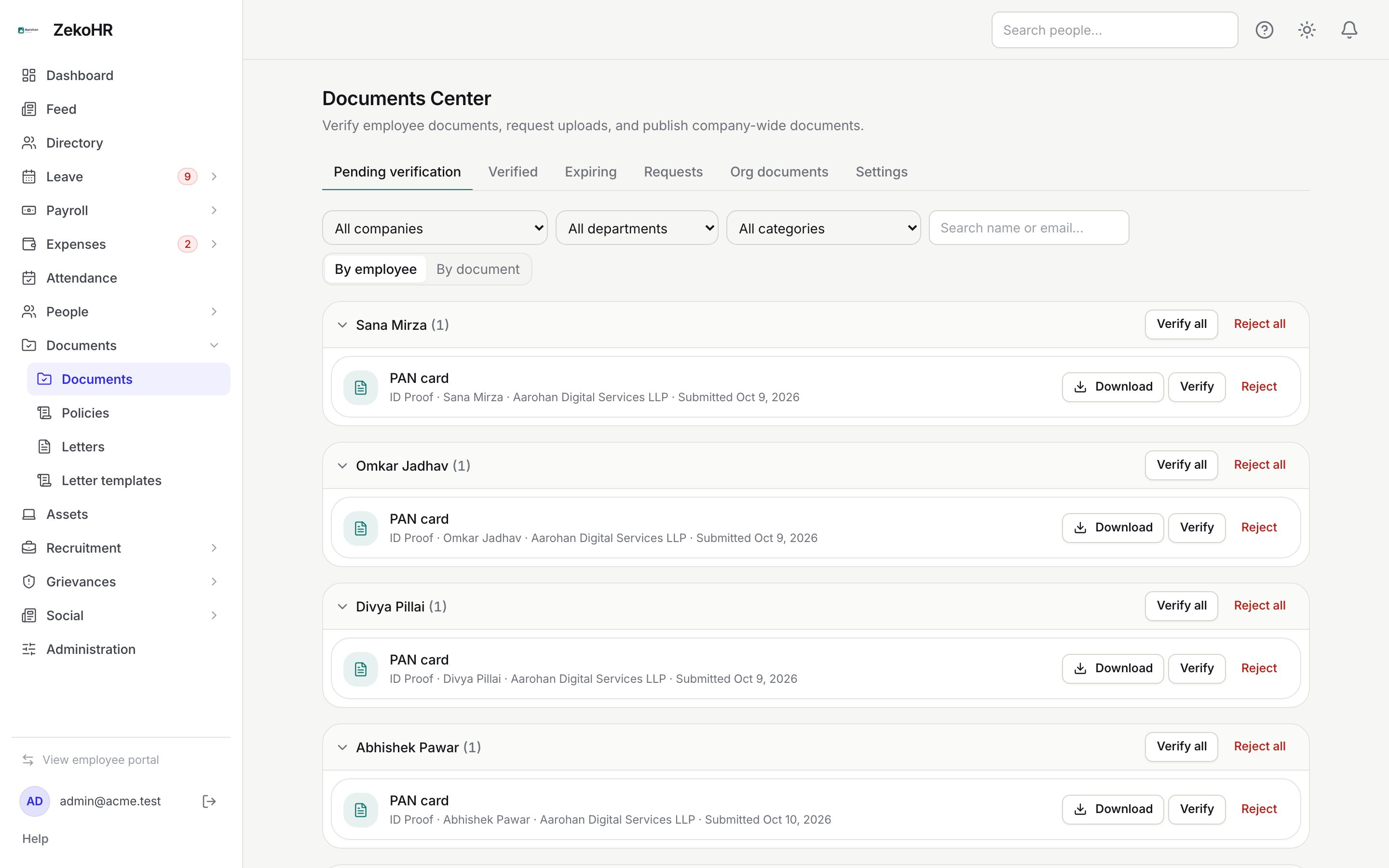
Pending verification
Everything employees have uploaded into a category that requires verification, oldest first, and only the current version of each document.
- Narrow the list with All companies, All departments, All categories or the Search name or email box.
- Switch between By employee (one collapsible group per person) and By document (one group per category). Click a group header to collapse it.
- For one document: Download to open it, then Verify or Reject.
- For a whole employee group (By employee view only): Verify all or Reject all.
- Rejecting opens the Reject document dialog. Reason (shared with the employee) is required, up to 500 characters. Click Reject.
Bulk actions report anything they could not process in a notice above the list, one line per document with a reason: `not_found`, `out_of_scope` (the owner's company is outside your HR scope) or `not_pending` (someone already decided). Click Dismiss to clear it.
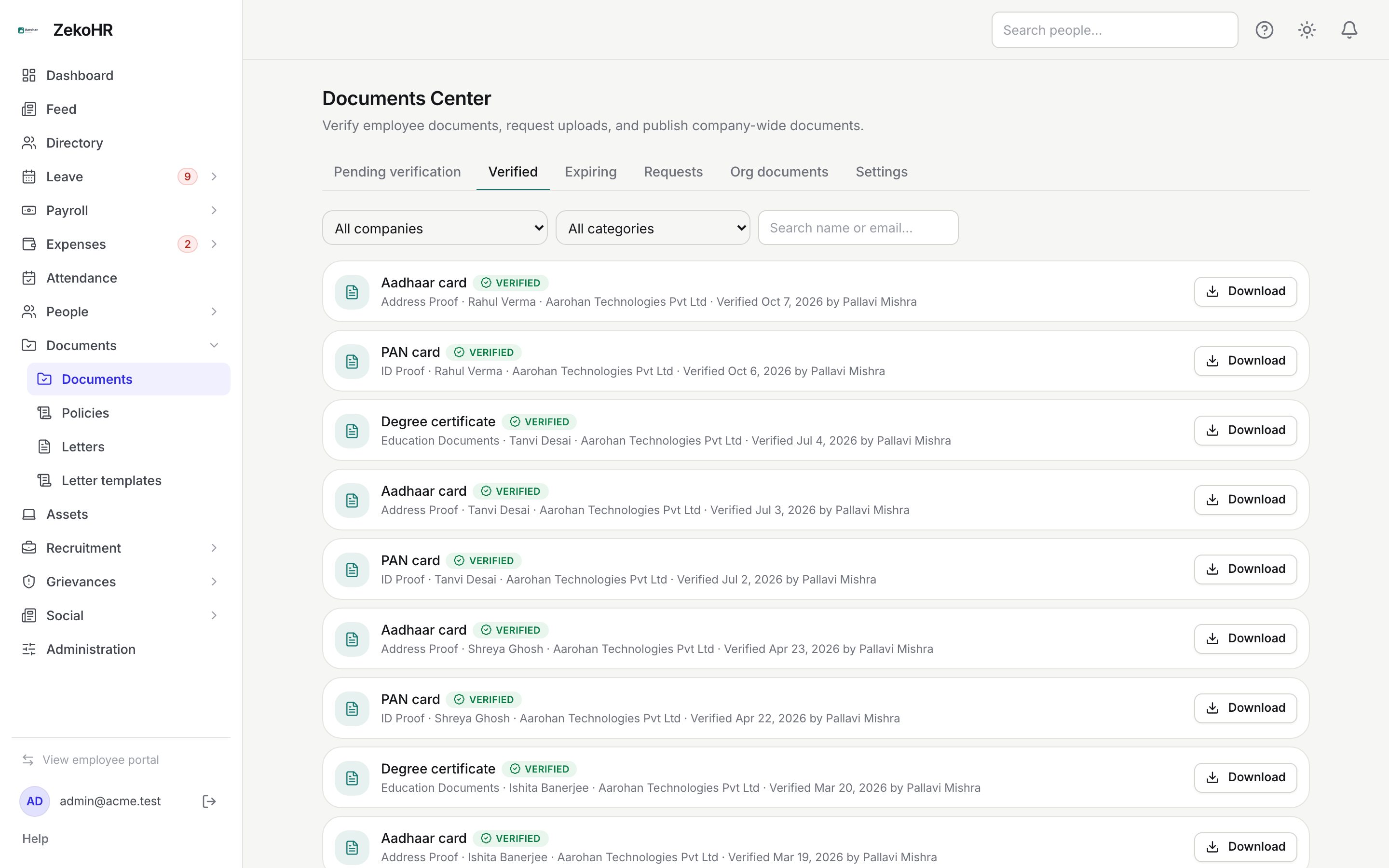
Verified
The read-only archive of everything verified, newest verification first. Each row shows the category, employee, company and Verified {date} by {name}. Filters are company, category and search; there is no department filter on this tab. Use Download to open a file. To undo a verification, open the employee's record and click Unverify on the document; it returns to the Pending queue.
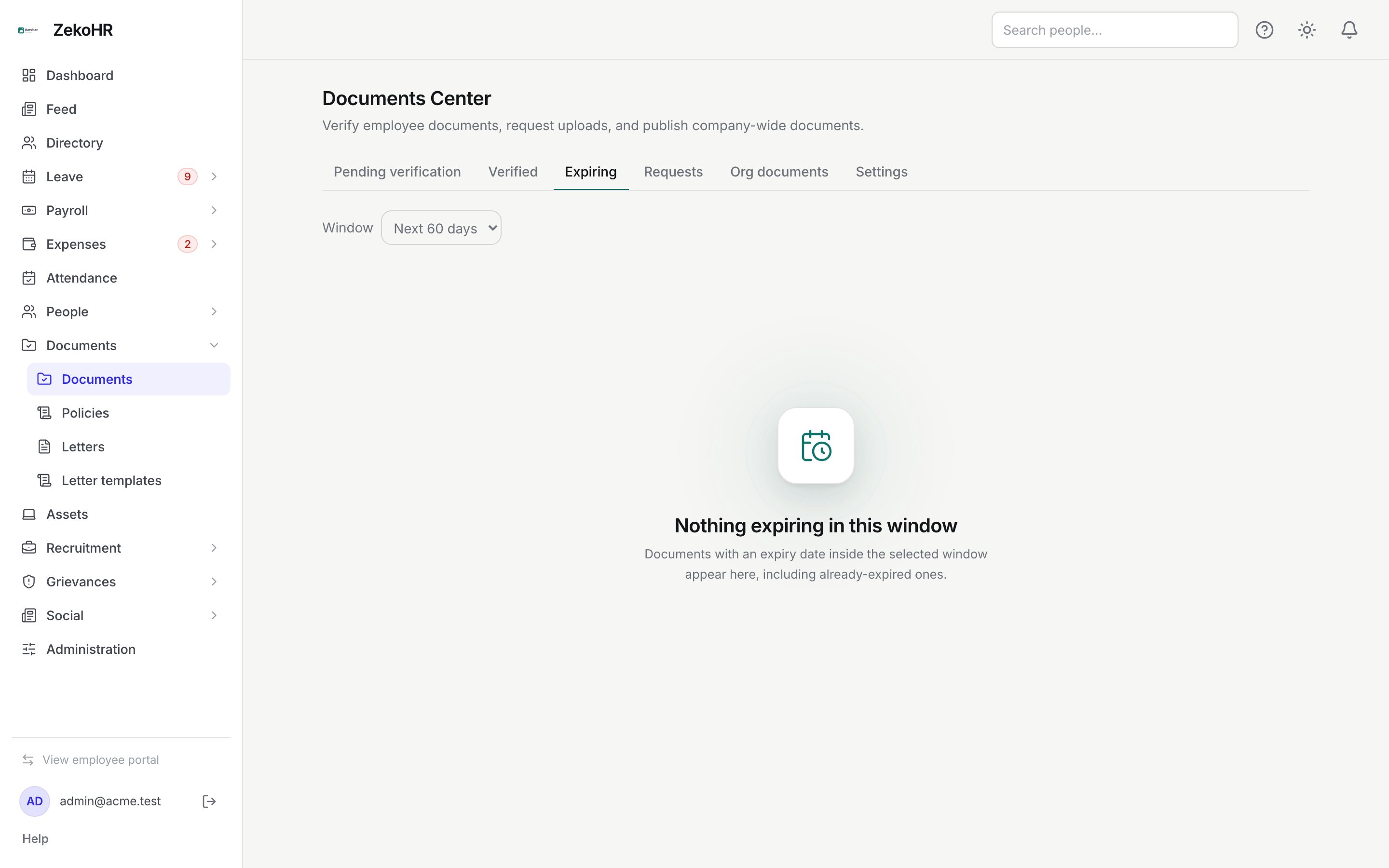
Expiring
Current documents whose expiry date falls inside the selected Window (Next 30 days, Next 60 days or Next 90 days; 60 is the default), soonest first. Already-expired documents are included and carry a red Expired pill; others show Expires today or Expires in N days. Only documents the employee gave an expiry date to appear here.
Statuses
| Status | Meaning | What happens next |
|---|---|---|
| pending_verification | Uploaded into a category with verification on; awaiting a decision | Verify or reject it |
| accepted | Uploaded into a category without verification | Nothing; it never enters the queue |
| verified | HR verified it; timestamp and verifier stored | Unverify from the employee record if needed |
| rejected | HR rejected it with a reason | Employee re-uploads; the new version is pending again |
What happens next
- Verify stamps the document with the time and your name and clears any earlier rejection. The employee sees a Verified badge.
- Reject notifies the employee in-app and by email (document.rejected template, editable under Settings → Email templates) with your reason. Their replacement upload becomes a new version in pending state.
- Unverify moves a verified document back to pending without a notification.
- Every decision writes an audit entry: document.verified, document.rejected or document.unverified, with the before and after state and the employee it belongs to.
- A daily process at 02:30 (server time) emails every HR user with a Documents Center permission a digest of how many documents reached the 30-day or 7-day expiry threshold that day, and emails each owner about their own document.
Rules and limits
- HR never uploads for an employee. Upload, replace and delete are done by the employee only, from their profile.
- Decisions require the Documents Center permission covering the owner's company. Being able to view or edit an employee is deliberately not enough.
- Assigned-companies HR with no companies assigned sees an empty hub.
- Queues show only the current version of each document; superseded versions are hidden everywhere.
- Rejection reason: required, maximum 500 characters.
- Bulk verify and reject skip rather than fail: a mixed batch processes what it can and lists the rest.
- The Documents Center module must be enabled on your plan; Admins can check Settings → Billing.
Troubleshooting
The hub shows nothing but employees say they uploaded documents. Either those categories do not require verification (check Settings) or the employees belong to companies outside your HR scope.
Verify all skipped some items with out_of_scope. Those documents belong to employees of companies not assigned to you. An Admin, or an HR Manager assigned to that company, must decide them.
I rejected the wrong document. Verify it from the employee's record (People → Employees, Documents tab, Verify); verifying clears the rejection. The employee still received the rejection notification, so tell them to ignore it.
A document is missing from Expiring. The employee did not set an expiry date, or the date is beyond the chosen window. Ask them to edit the document on their profile.
Verify or Unverify on the employee record fails for me. Those buttons need a Documents Center permission, not just the ability to edit employees. Ask your Admin to grant it under Settings → Roles & permissions, or decide the document from Documents → Documents.