Feed moderation
Anyone on the feed can flag a post they think is inappropriate. Flags land in the Feed Moderation queue, where HR and Admins decide whether to remove the content or dismiss the report. Moderators can also edit or delete any post or comment straight from the feed without waiting for a report; those direct actions are audited.
Who can do this: HR Managers with `social.moderate.assigned_companies` act on content from companies in their HR scope (plus their own company). Admins with `social.moderate.any` act on everything. Managers and employees can only report. This module must be enabled on your plan; Admins can check Settings → Billing.
Where to find it
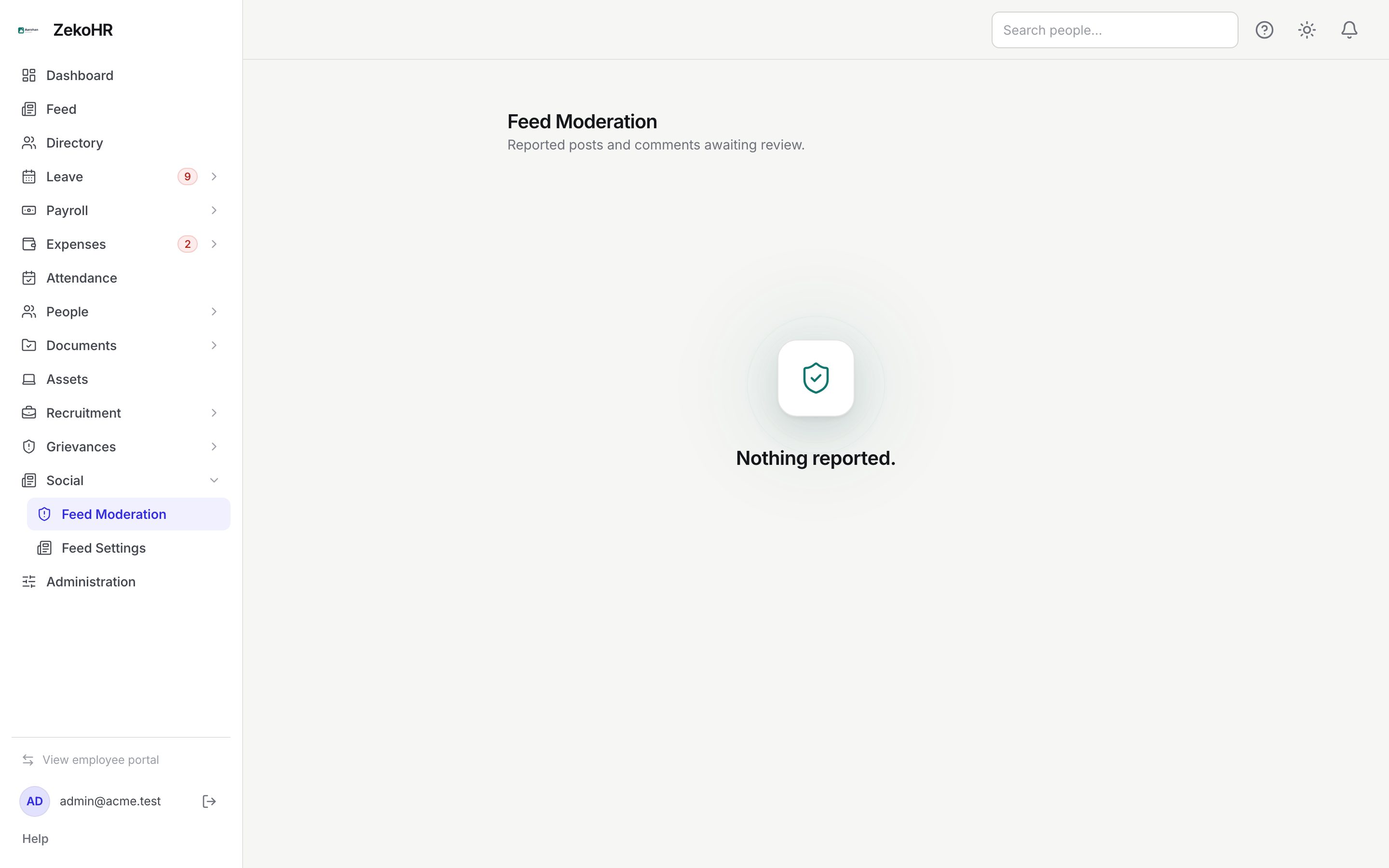
Social → Feed Moderation in the sidebar, URL `/social-moderation`. Direct edit and delete controls are on each post at Feed (`/feed`).
How a report reaches you
- A reader clicks the flag icon on another person's post and answers Why are you reporting this? (optional, up to 500 characters).
- ZekoHR creates an open report. The post stays visible until you act.
Working the queue
Each card in the queue shows:
- Reported post, the date and time, and the reporter's reason.
- The post's author and body in a grey box.
Choose one of two buttons:
| Button | Effect on the content | Effect on the report |
|---|---|---|
| Remove | The post is hidden from every feed immediately. Its author can no longer edit it. | Marked actioned with your user id |
| Dismiss | Nothing changes | Marked dismissed with your user id |
Only open reports are listed; actioned and dismissed ones disappear from the page. Treat Remove as final; a removed post cannot be restored.
Editing or deleting directly on the feed
As a moderator you see the pencil and bin icons on every post in your scope, not just your own, and Delete beside every comment.
- Edit opens the text inline; Save replaces the body and re-indexes hashtags. The post gains an edited marker.
- Delete asks "Delete this post by Name? This can't be undone." and removes the post with its reactions, comments and attachments.
- You can also act on an already-hidden post, which is how you clean up after a Remove.
What happens next
| Action | Audit log entry | Notified |
|---|---|---|
| Remove from the queue | None (the report row records who acted) | Nobody |
| Dismiss | None | Nobody |
| Edit someone else's post | `social.post.moderated_edit` with before and after text | Nobody |
| Delete someone else's post | `social.post.moderated_delete` with the original text and author | Nobody |
| Delete someone else's comment | `social.comment.moderated_delete` | Nobody |
Reporters and authors receive no notification at any point; tell them yourself if the situation warrants it.
Rules and limits
- Scope for an HR Manager is the set of companies assigned under HR scope plus their own company. An organisation-wide post (made while the feed was organisation-wide) is attributed to its author's company for scope purposes.
- The queue itself is not filtered by company; an HR Manager sees every open report, but Remove on a post outside their scope is refused.
- Edits and deletes of your own posts are not audited.
- Hidden posts return not found to everyone except moderators; attachments on a hidden post cannot be downloaded by non-moderators.
- Removing a post does not remove the author's kudos credit if it was a kudos post.
Troubleshooting
The queue says Nothing reported but a colleague says they flagged a post. They may have cancelled the reason prompt; a blank prompt does not submit. Ask them to flag again.
Remove failed with a permission error. The post belongs to a company outside your HR scope. An Admin, or an HR Manager assigned to that company, must act.
I cannot see the pencil on a post. You lack a moderate permission, or the post is from a company outside your scope.