Contractor requests
When an agency is allowed to propose workers, its admins submit a worker request with the person's details and the proposed engagement. Nothing is created until you approve: no login, no seat. Approval creates the worker's account and engagement with the agency and sends the invite; rejection returns your reason to the agency.
Who can do this: HR Managers with `contractor_workers.approve.assigned_companies` (for companies in their HR scope) and Admins with `contractor_workers.approve.any`. The sidebar entry carries a badge with the pending count.
Where to find it
People → Worker requests, at `/contractor-requests`. A Contractor page with pending requests links here filtered to that agency.
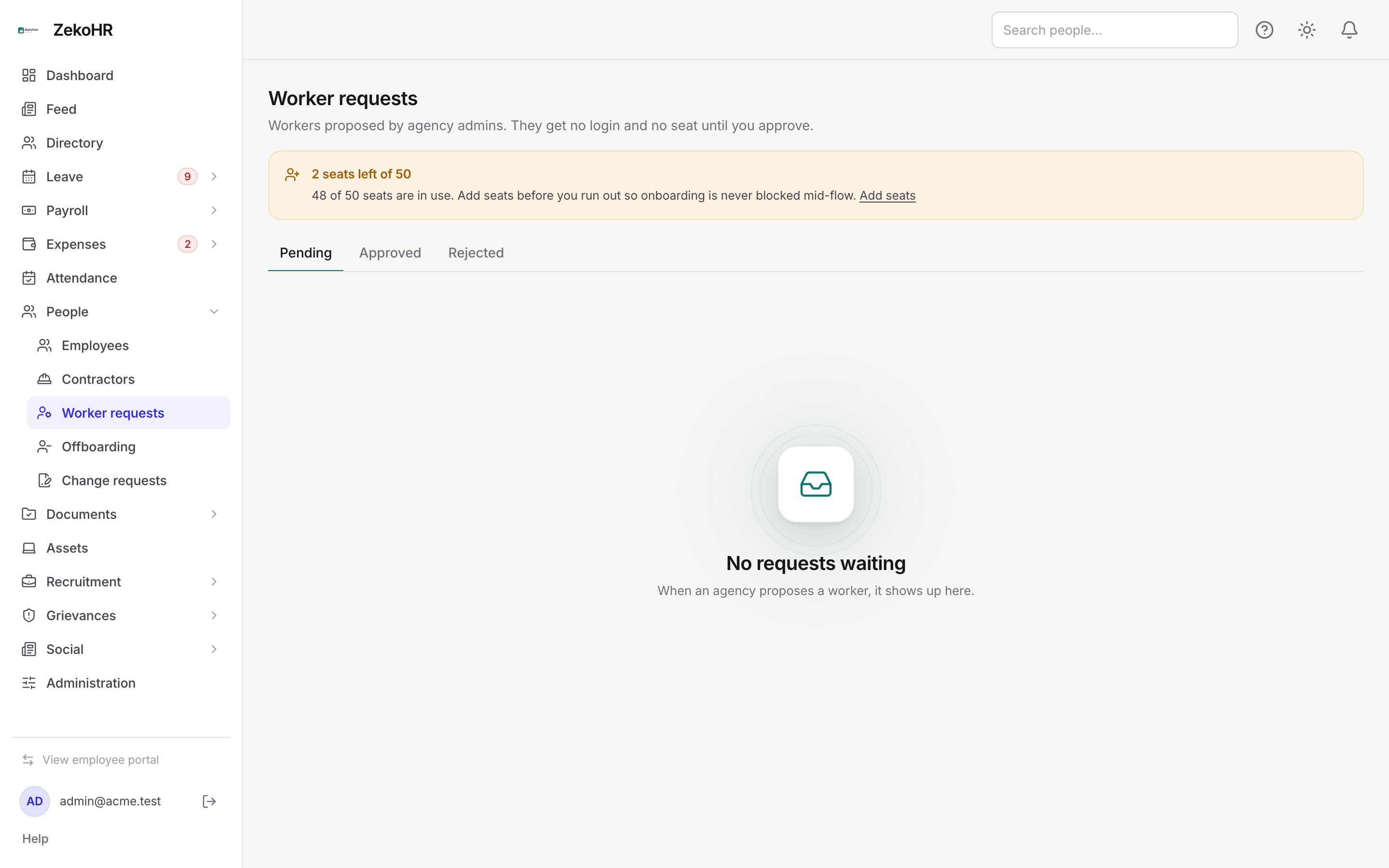
Reviewing a request
Each card shows the proposed worker's name, email and designation, the Agency, Requested by and date, the proposed Engagement title, Rate and Dates, with a note that approving adds 1 seat.
Approving
- Click Approve.
- The dialog explains that it creates the login and engagement with the agency and sends the invite, and repeats the seat note.
- Tick Change the engagement terms before approving to open the engagement fields prefilled from the proposal (company, title, dates, rate type, rate, currency). Adjust anything, add a manager, a leave mode or TDS details. See Engagements.
- Click Approve. If a proposed term breaks a rule, the fields open with the message next to the offending field.
Rejecting
- Click Reject.
- Enter a Reason (required, up to 2,000 characters). The agency admins see it.
- Click Reject.
Statuses
| Status | Meaning | What happens next |
|---|---|---|
| Pending | Waiting for HR. | Approve or reject. The agency admin can still withdraw it. |
| Approved | Worker created and invited. | Manage them on the agency's Contractor page. |
| Rejected | Declined with a reason. | The agency can propose again. |
What happens next
Submitting a request notifies HR who can approve for the proposed company (`contractor.worker_requested`). Approval creates the user with the Contractor role (agency worker) and the engagement, sends the invitation after the record is saved, and notifies the agency admins (`contractor.worker_approved`). Rejection notifies them with the reason (`contractor.worker_rejected`). Both decisions are audited.
Rules and limits
- The proposed company defaults to the admin's own company, else the agency's latest active placement, else the company of the HR user who created the agency. You can change it before approving if it is in your scope.
- An email that already belongs to a user, or a pending request for the same email, is refused at proposal time and again at approval.
- Approval goes through the seat guard: at the seat limit you get a No seats left error and nothing is created.
- Only pending requests can be decided; approving twice is refused.
- Agencies with Agency admins can propose workers off cannot submit requests at all.
Troubleshooting
No requests ever appear. Check that the agency's Agency admins can propose workers flag is on (Contractor page → Edit details).
Approve fails with a company message. The proposed company is outside your HR scope; pick a company you manage under Change the engagement terms.
Approve fails with "No seats left". Add seats under Settings → Billing, then approve again; the request stays pending.
The request vanished from Pending. The agency admin withdrew it; withdrawn requests are deleted.