The public reporting link
The public reporting link is an optional, unauthenticated web form that lets anyone (an ex-employee, a vendor, a candidate, or a staff member who does not want to log in) report a concern to your organisation. It is switched off for every new organisation and must be enabled by an Admin. Every report filed through it is anonymous and lands in the same queue as internal reports.
Who can do this: Anyone with the link can file; no login. HR Managers with `grievances.view.assigned_companies` and Admins with `grievances.view.any` handle what arrives. Enabling and regenerating the link needs `grievances.manage.any` (Admin). This module must be enabled on your plan; Admins can check Settings → Billing.
Where to find it
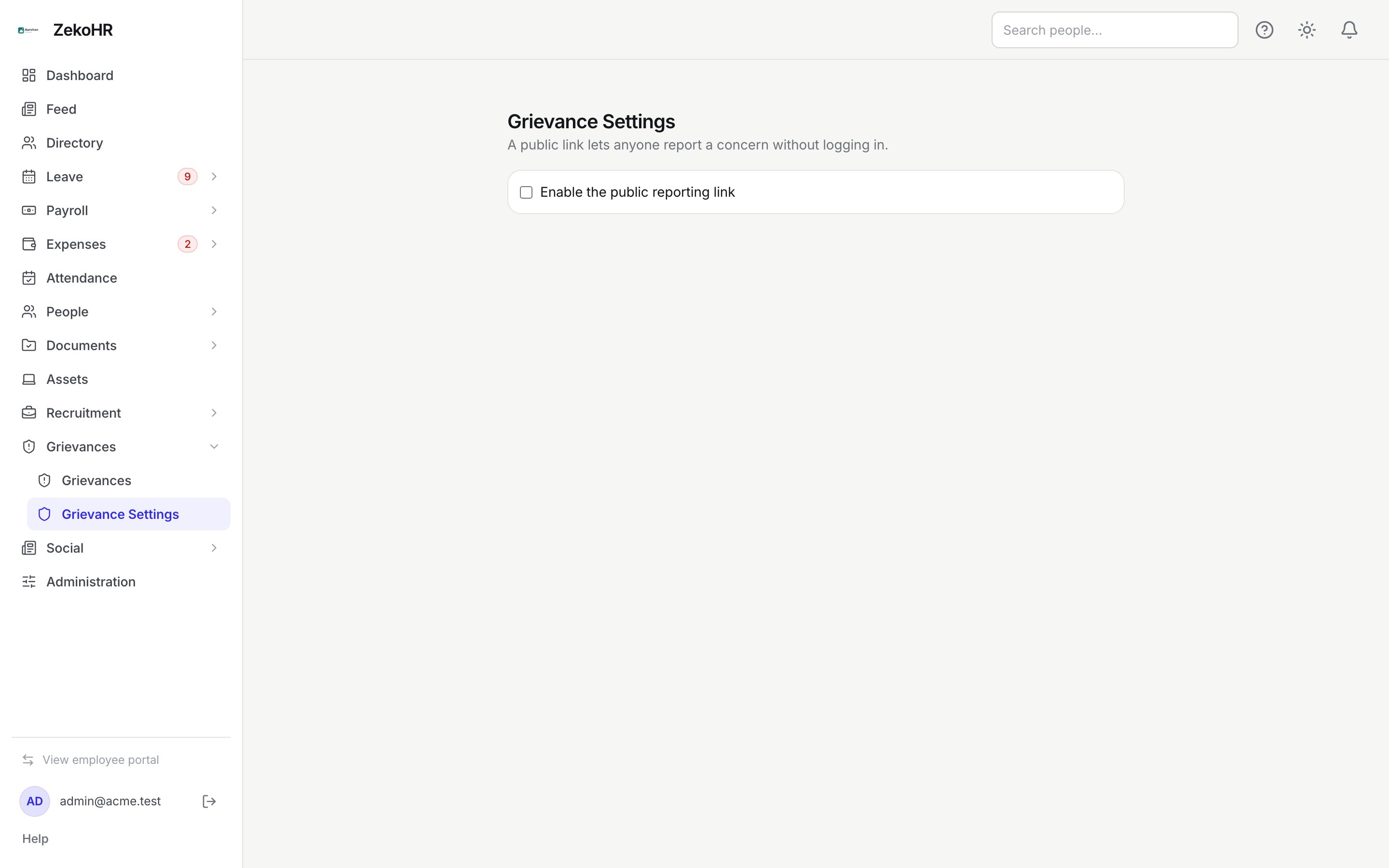
- The link is shown under Grievances → Grievance Settings (`/grievance-settings`) once enabled. It has the form `https://yourorg.zekohr.com/report/<24-character token>`.
- The public form itself is `/report/{token}`; the matching status page is `/report-status`. Both render outside the app shell with no sidebar.
What the reporter sees
- The page heading is your organisation's name, followed by Report a concern and the note This report is anonymous. Save the tracking code you receive to check its status later.
- A Company dropdown lists every company in the organisation, with Not sure / prefer not to say as the default.
- The same fields as the internal form: Category (Harassment / PoSH, Fraud / Unethical practice, Discrimination, Safety, Data / Privacy, Retaliation, Other), Subject (required, 255 characters), What happened? (required, 5,000 characters), Person(s) involved, Date of incident, Location, the I fear retaliation for reporting this checkbox, and an Evidence dropzone (PDF, jpg, png, webp, doc, docx; up to 10 files of 50 MB each by default).
- There is no anonymity toggle: public reports are always anonymous and carry the source public.
- If anti-bot protection is active, a Cloudflare Turnstile widget appears above Submit report and the button stays disabled until the check passes.
- After submitting, the reporter sees Report received with the ten-character Tracking code and a link Check a report by tracking code.
If the link has been disabled or regenerated, the page shows This reporting link is not available.
Anti-bot protection
The form can carry a Cloudflare Turnstile check. Whether it is active for your organisation is a hosting decision made by the ZekoHR team; ask them at [email protected] if you are unsure. When it is active, every submission is verified and a missing or failed check is rejected with "Please complete the anti-bot check." When it is not active, the form accepts submissions with no challenge.
Independently of Turnstile, submissions are rate-limited to six per minute per address.
How public reports reach you
| Aspect | Behaviour |
|---|---|
| Queue | Appears in Grievances → Grievances as Open with the reporter shown as Report anonymously |
| Company | The one the reporter chose, or none for Not sure / prefer not to say |
| Visibility | A report with no company is visible only to Admins. HR Managers scoped to specific companies will not see it |
| Notifications | Every handler gets the usual email and in-app alert with the category and tracking code |
| Reporter updates | None are sent; the reporter must use the status page |
Rules and limits
- The token is a random 24-character string. Anyone who has it can file, so share it only where you intend to (an intranet page, a poster, a careers page).
- Regenerate link invalidates the old URL immediately; reports already filed are unaffected.
- Turning the link off hides the form but keeps the token, so turning it back on restores the same URL.
- Public reports cannot be converted to named reports later.
- The company picker shows every company in the organisation, including any you consider internal; there is no way to hide one.
Troubleshooting
The public page says the link is not available. The toggle is off or the link was regenerated. Check Grievance Settings and share the current URL.
An HR Manager cannot see a public report an Admin can see. The reporter chose Not sure / prefer not to say, so the report has no company and is outside every HR scope. An Admin should handle it.
Reporters say the Submit button is disabled. Turnstile is active and the check has not completed; ask them to wait for the widget or reload.
We are receiving spam through the link. Regenerate the link, and ask the ZekoHR team at [email protected] to confirm the anti-bot check is active for your organisation.