Grievance settings
Grievance settings hold one organisation-wide control: the public reporting link. Internal reporting through Raise a Concern is always on for every logged-in user and needs no configuration. The public link is off by default because it accepts submissions from anyone on the internet, so enabling it is a deliberate decision.
Who can do this: Admins with `grievances.manage.any`. HR Managers, who hold only the assigned-companies permissions, cannot open this page. This module must be enabled on your plan; Admins can check Settings → Billing.
Where to find it
Grievances → Grievance Settings in the sidebar, URL `/grievance-settings`.
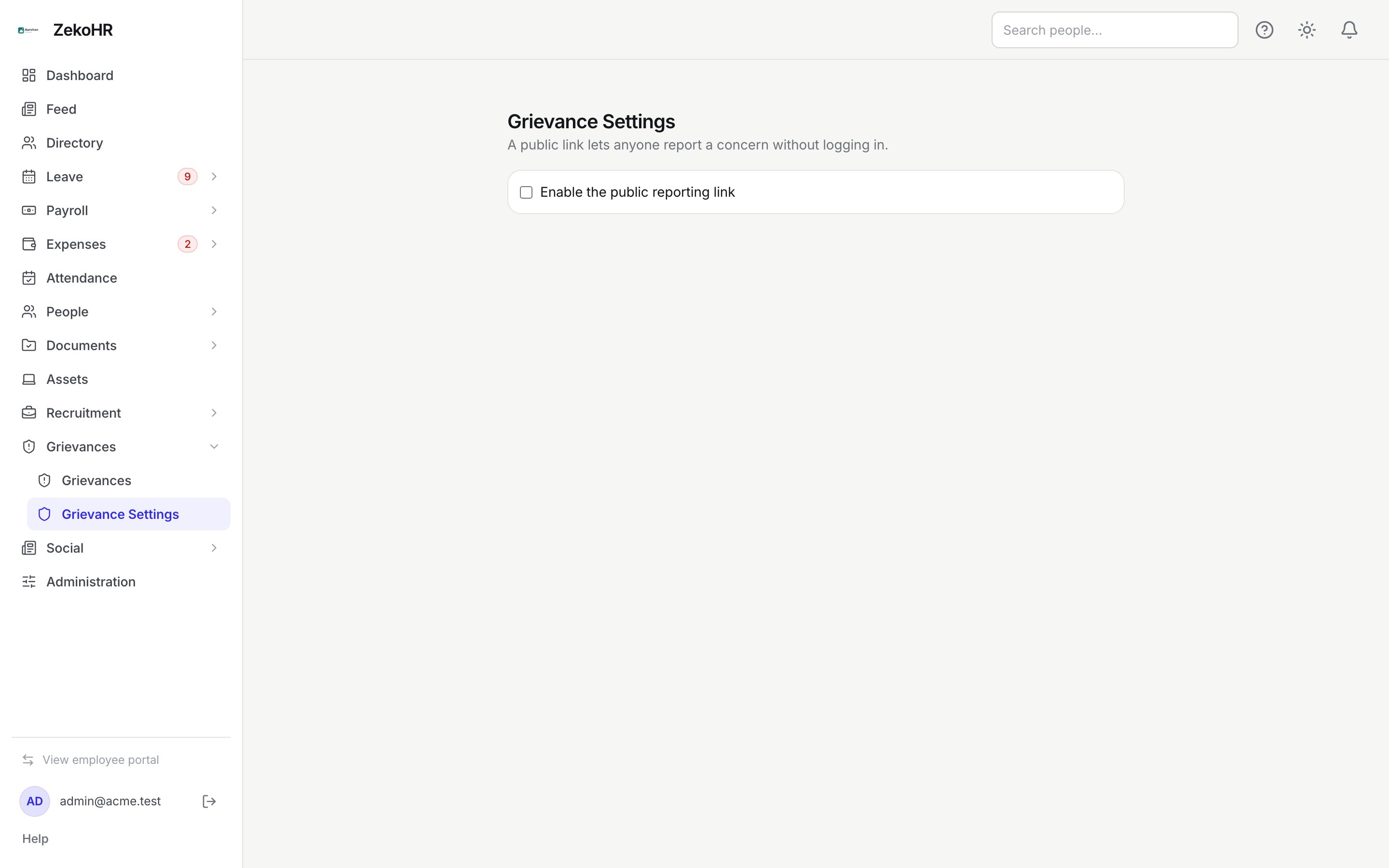
Enabling the public link
- Tick Enable the public reporting link. The change saves immediately; there is no save button.
- The Public reporting link box appears, showing a read-only URL of the form `https://yourorg.zekohr.com/report/<token>`. The token is 24 random lower-case characters, generated the first time the page is opened.
- Click Copy to put the URL on the clipboard, then publish it wherever reporters will find it: the intranet, a notice board poster, the careers page, or a PoSH policy document.
- Open the link in a private browser window to see the form exactly as a reporter will.
Regenerating the link
- Click Regenerate link.
- Confirm Regenerating invalidates the old link. Continue?
- A new token is minted and the box updates. Anyone using the old URL now sees This reporting link is not available.
Regenerate when the link has been shared more widely than intended or spam is arriving. Reports already filed through the old link are unaffected.
Disabling the link
Untick the checkbox. The form goes offline at once with This reporting link is not available. The token is kept, so re-enabling later restores the same URL without re-publishing it.
What the setting controls
| Setting | Effect |
|---|---|
| Checkbox off (default) | `/report/<token>` returns not available; the status page `/report-status` still works for existing codes |
| Checkbox on | The public form accepts anonymous reports; each one notifies every handler |
| Regenerate link | Old URL stops working immediately; new URL shown |
What happens next
- Toggling or regenerating sends no notification and writes no audit entry; the settings record simply updates.
- Reports filed through the link appear in Grievances → Grievances marked anonymous with source public, and trigger the normal handler notification.
- The status page `/report-status` is always available regardless of this setting.
Rules and limits
- One link per organisation, shared by all companies. Reporters choose a company on the form, or Not sure / prefer not to say; the latter produces a case with no company that only Admins can see.
- The anti-bot check (Cloudflare Turnstile) is not configured here; the ZekoHR team switches it on for your organisation. Public submissions are rate-limited to six per minute per address either way.
- Nothing on this page affects who can handle cases; that is governed by roles and HR scope.
- There is no option to customise the public page's wording, add a policy link or restrict categories; the form mirrors the internal one.
Troubleshooting
I cannot open Grievance Settings. The page is for Admins only. HR Managers see the queue but not settings.
The Copy button did nothing. Clipboard access is blocked in some browsers over http or in embedded views. Select the text in the box and copy manually.
We published the link and nobody can open it. The checkbox was unticked after copying, or the link was regenerated. Re-enable and share the URL shown now.
I want a different link per company. Not supported; the link is organisation-wide with a company picker on the form.