Contractors overview
Contractors work alongside employees in the same portal. ZekoHR keeps a billable party (an individual professional, or an agency that places workers) and one or more engagements (the contract: which company, what work, dates and rate). Contractors log in with the same account type as employees and see only the modules you allow.
Who can do this: HR Managers and Admins with `contractors.manage` add and edit parties and engagements. `contractors.view.any`, `contractors.view.assigned_companies` and `contractors.view.own_company` give read access to the lists. Worker requests are decided with `contractor_workers.approve.any` or `contractor_workers.approve.assigned_companies`. Agency admins hold `contractors.view.own_party` and `contractor_workers.request.own_party`. The module is available on every plan.
Where to find it
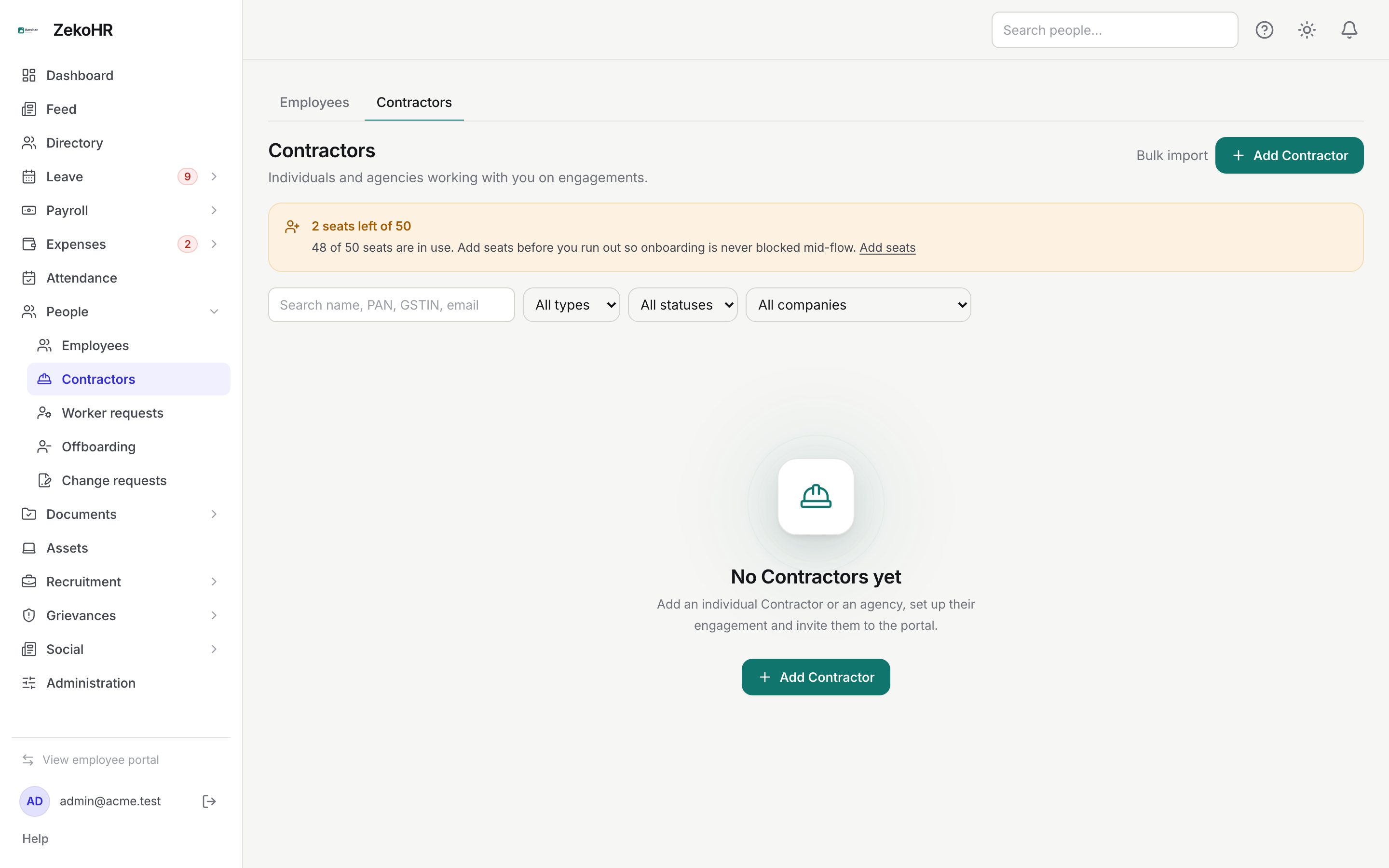
People → Contractors, at `/contractors`. The Employees and Contractors tabs at the top switch between the two lists.
The screens
| Screen | Path | What it does |
|---|---|---|
| Contractors | `/contractors` | Every party in your scope. See Adding contractors and agencies. |
| Contractor page | `/contractors/{id}` | Overview, MSA, people and engagements of one party. See Engagements. |
| Worker requests | `/contractor-requests` | Workers proposed by agency admins waiting for your approval. See Contractor requests. |
| My agency | `/my-agency` | The agency admin's own view. See My agency. |
| Settings → Contractor access | `/settings/contractor-access` | Module toggles and engagement defaults. See Contractor access settings. |
Who is who
| Record | Role in ZekoHR | Notes |
|---|---|---|
| Individual party | Contractor (role `individual`) | One person contracted in their own name. Always has at least one engagement. |
| Agency party | holds admins and workers | A firm that places people with you. |
| Agency admin | Contractor Agency Admin | Logs in for the agency, sees its workers and engagements, can propose workers if you allow it. May also work an engagement. |
| Agency worker | Contractor (role `agency_worker`) | A placed person; one engagement per placement. |
What the list shows
Filter by name, PAN, GSTIN or email, Type (Individual, Agency), Status (Active, Inactive) and Company. A seat notice shows how many seats remain, because every Contractor, agency admin and agency worker uses one seat. A blue banner lists employees created before this module with employment type "Contractor" and offers Review to convert them.
| Column | Meaning |
|---|---|
| Contractor | Display name, with the legal name underneath when different. |
| Type | Individual or Agency. |
| People | Users on the party, with a pending-requests badge for agencies. |
| Next engagement end | The soonest end date among active engagements, with a Past end date warning. |
| Status | Active or Inactive. |
What happens next
Adding a Contractor sends a portal invitation (optional) and the `contractor.invited` notification. Worker proposals notify HR who can approve for that company; decisions notify the agency admins. HR and the engagement manager are reminded 30 and 7 days before an engagement ends and daily once it is past its end date while the person is still active. Every write is audited.
Rules and limits
- Nothing ends automatically: engagements past their end date keep their login and seat until you act.
- Leave for a Contractor is decided per engagement: Same as employees or No leave.
- Contractors never get payroll administration, leave administration, people management or organisation settings, whatever the access toggles say.
- Contractors appear in the directory with a Contractor badge and the agency name, unless Directory is switched off for them.
Troubleshooting
The Contractors tab is missing under People. You lack a `contractors.view.*` permission, or an HR Manager has no assigned companies.
A party I created is not in the list. Parties are visible through their engagements' companies; an agency with no placements yet is visible only to its creator.
Add Contractor is refused with a seat message. The seat limit is reached. Admins can add seats under Settings → Billing.