My offboarding
When HR schedules your exit, an offboarding checklist appears here with the tasks to finish before you leave: returning assets, handing over work, submitting documents. It is a flat list with no steps, so you can complete items in any order. Your access continues until your last working day has passed.
Who can do this: Every employee with `offboarding.view.self` and `offboarding.complete.self` (all default roles).
Where to find it
URL path: `/my-offboarding`. The "Your offboarding has been scheduled" email links straight here. There is no sidebar item; use the link in the email or your notification.
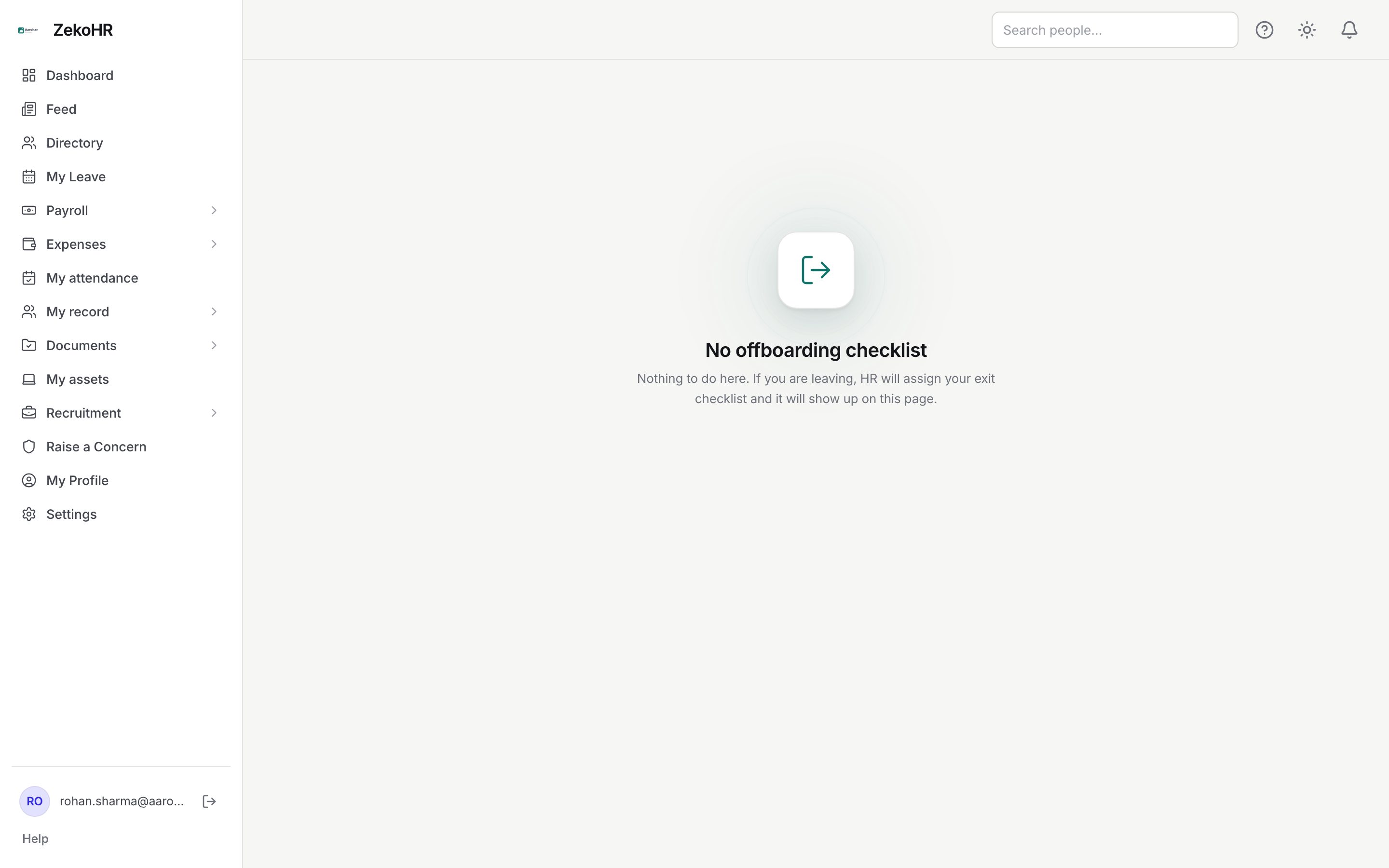
Completing your exit checklist
- Open the link from the notification. The header shows the overall progress, for example 2/7 (29%).
- Each item shows its label, a description if HR wrote one, and badges: Mandatory (every offboarding item is mandatory), Evidence required and Awaiting HR verification or HR-verified where applicable.
- For an item with Evidence required, upload a file under Upload first. Any file type, up to 50 MB; uploading again replaces the file.
- Tick the checkbox to mark the item done. Untick to undo.
- When every item is done, and verified where HR verification is required, the banner says Your offboarding checklist is complete.
Item states
| Badge | Meaning | What happens next |
|---|---|---|
| Pending | Not done | Complete it |
| Completed | Done | Nothing more |
| Evidence required | A file must be uploaded before ticking | Upload, then tick |
| Awaiting HR verification | You ticked it; HR must sign off | Wait for HR |
| HR-verified | Signed off | Counts as done |
What happens next
- Completing the checklist writes "Offboarding completed" to your timeline and sends you an in-app notification.
- After your last working day, a nightly process signs you out everywhere, revokes your sessions and sets your status to Offboarded. You receive a "sessions revoked" notification. Anything you had not finished is closed at that point.
- Your record stays with the organisation for its retention needs; payslips and letters issued earlier remain on the record for HR.
Rules and limits
- You can see and edit only your own checklist.
- Ticking an item with Evidence required and no file returns "Evidence file is required before marking this item complete".
- Items are a copy taken when HR scheduled the exit; template edits made later do not affect you.
- Access ends after the last working day, not on it. Download anything personal, such as payslips from My payslips, before that date.
- Contractors receive the contractor exit checklist instead; the behaviour is the same.
- This module must be enabled on your plan; Admins can check Settings → Billing.
Troubleshooting
No offboarding checklist. HR has not scheduled your exit, or they scheduled it without a template. Ask HR.
I was offboarded by mistake and cannot sign in. Contact HR or an Admin. They can set your status back to Active and reset your password.
Could not upload that file. It is over 50 MB. Compress it or split it.
The page says complete but I still have access. That is expected; access ends after your last working day.
I cannot find the page. Use the link in the scheduling email or go to `/my-offboarding` directly.