Request a leave allocation
New joiners, and anyone whose company added leave types after they were hired, can land on My Leave with no balances. Until HR allocates, you cannot apply. The Request Leave Allocation card sends a nudge to every HR user who can allocate for your company, by email and in-app, and logs the request so it is not lost even if nobody has that permission yet.
Who can do this: any employee whose leave module is enabled. The recipients are users holding `leave_allocations.adjust.any`, or `leave_allocations.adjust.assigned_companies` with an HR scope that includes your company.
Where to find it
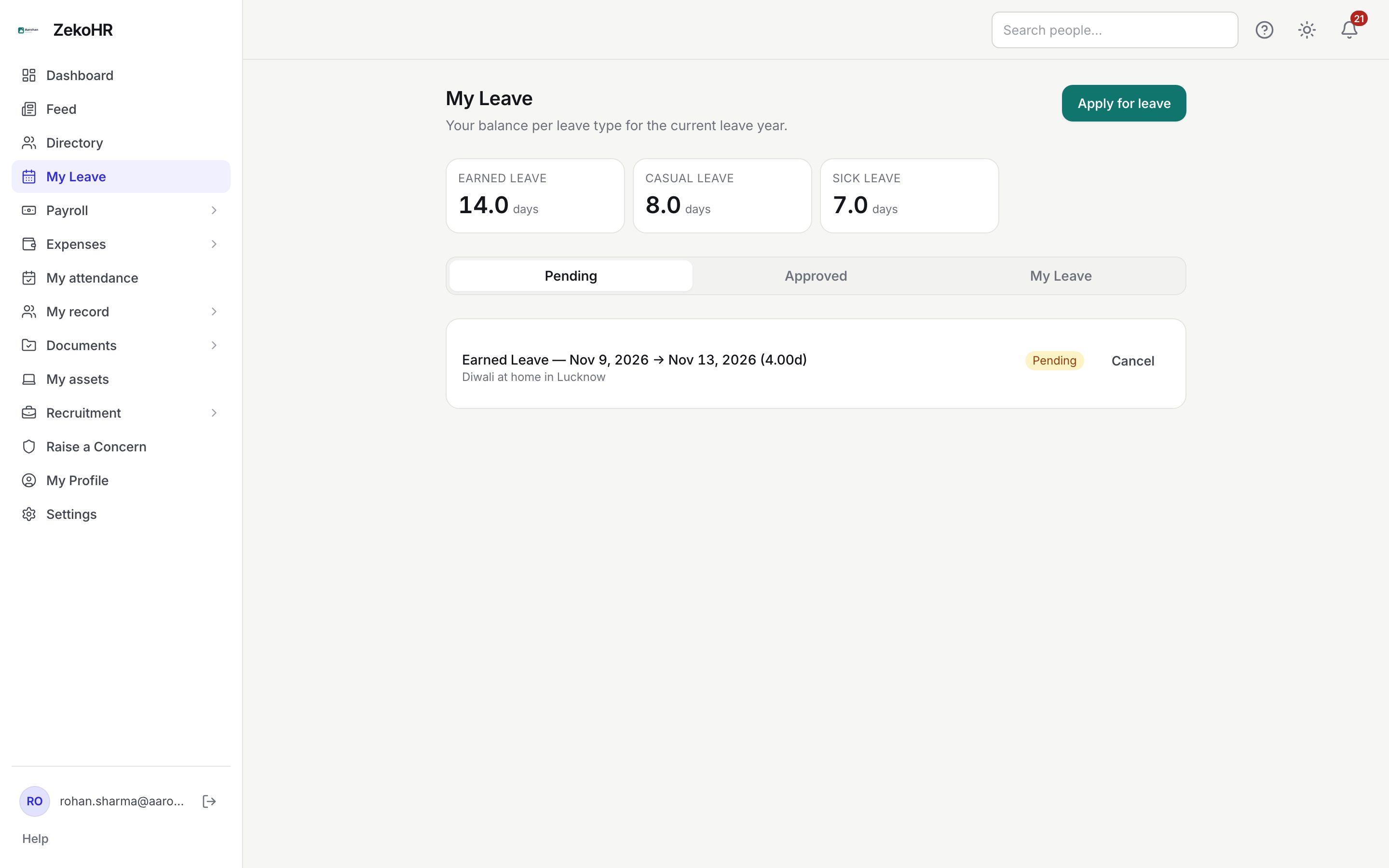
Leave → My Leave → Apply for leave when you have no balances, or the dashboard My leave balance panel link Request leave allocation →. URL: `/leave/apply`.
Sending the request
- Open Apply for leave. Instead of the form you see "No leave has been allocated to you yet. HR will configure your leave types soon."
- Optionally type a note in Add a note (optional), for example your joining date or which types you expect. Maximum 500 characters.
- Click Request Leave Allocation. The button reads Sending… while it works.
- A green Request sent. card confirms the outcome:
- "Notified Neha Kapoor, … by email and in-app. You'll be able to apply for leave once they allocate." names who received it.
- A message that no HR users are configured yet, and that your request has been logged for the audit trail, means nobody in your organisation currently holds an allocation permission for your company; an Admin should fix the role or HR scope.
You can send the request again later; each send notifies again.
What HR does next
HR opens your employee record from the notification link and uses Initialize from defaults on the Leave Allocation tab (or runs Bulk leave allocation for everyone). The allocation is pro-rated to your joining date according to each leave type's rule. You then receive a "leave allocated" notification with a link to My Leave, and the apply form becomes available.
What happens next
| Step | Who | Result |
|---|---|---|
| You click Request Leave Allocation | You | A `leave.allocation_requested` notification and email go to eligible HR users; an audit entry records the note and recipient count. |
| HR allocates | HR Manager or Admin | Ledger rows are written per leave type; you get a `leave.allocated` notification. |
| You apply | You | Apply for leave shows the leave types and Available amounts. |
Rules and limits
- The requester is never among the recipients, so an HR user testing from their own account sees only the other HR users named.
- Recipients must be active users in the same organisation. Admins receive it only if their role carries the allocation permission (the default Admin role does).
- The request carries no dates or amounts; it is a signal, not an application. HR decides the allocation from the leave type configuration.
- If your profile has no company, HR scoped to specific companies cannot be matched and will not be notified. An Admin with `leave_allocations.adjust.any` still is.
- Contractors receive balances only when their engagement is set to employee-style leave; a request from a contractor without that setting cannot be fulfilled.
- Allocation is blocked when the company has no leave year configuration or no active leave types. HR sees these as "Blocked" reasons and must fix Settings first.
Troubleshooting
I sent the request days ago and still have no balance. Follow up with the person named in the confirmation. HR may be waiting on Settings → Leave year config or leave types for your company.
The card says no HR users are configured. Your organisation has no one with the allocation permission for your company. An Admin should check Roles & permissions and HR scope.
I have one leave type but not the others. A type may be marked ineligible for your employment type, or it was added after your allocation. HR can re-run Initialize from defaults; it only adds what is missing.
I am a contractor and see this card. Leave depends on your engagement settings; ask HR to check them.